 Desklog
Features
Tasks with the whole story attached
Capture work quickly, organize it into projects and keep the discussion, files and time beside the next step.
Catch the idea before it disappears
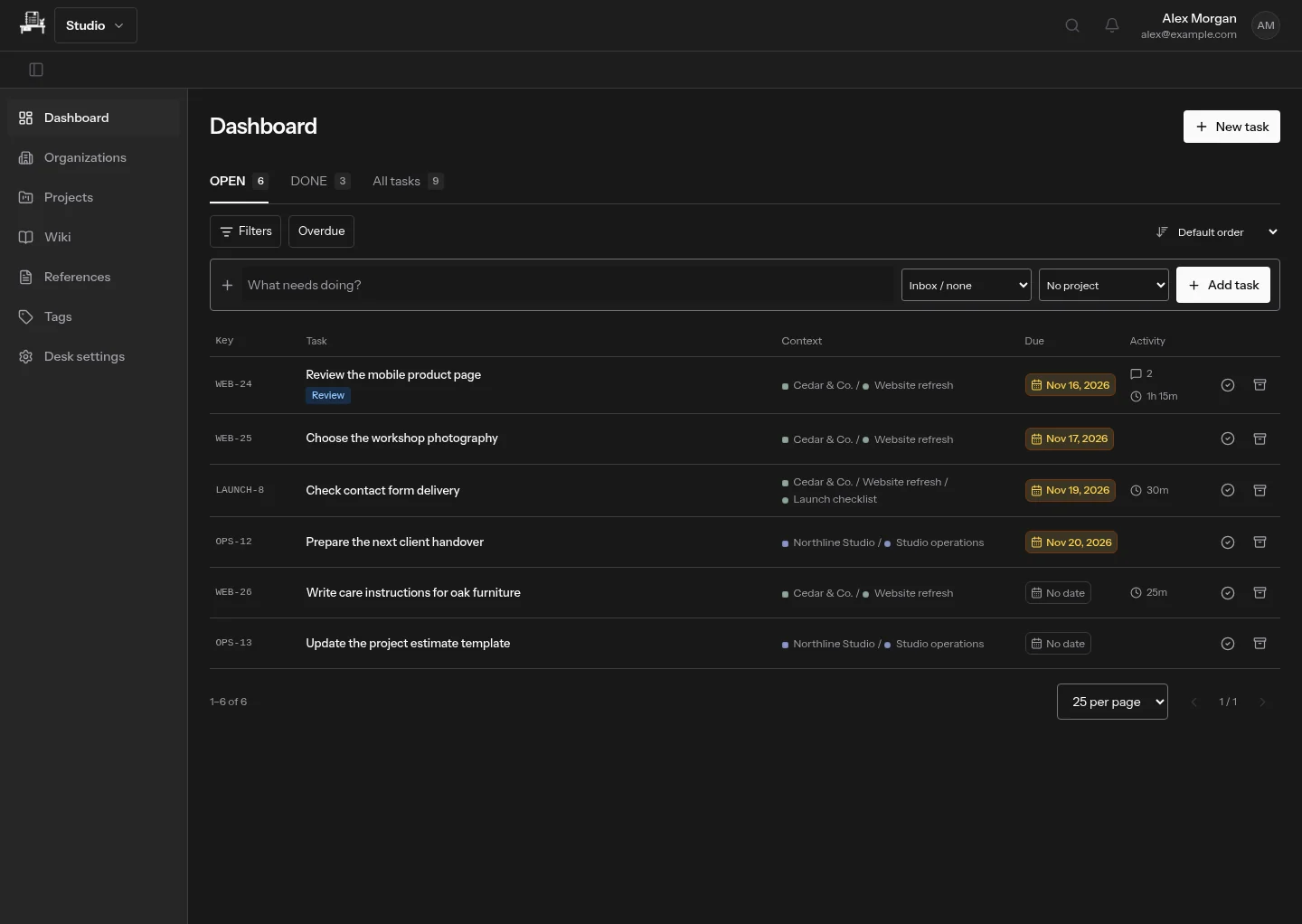
Add a short task from the dashboard. Leave it in the Inbox when you do not know its project yet, then add the brief, a due date or an assignee as the work becomes clearer.
From a client to a launch checklist
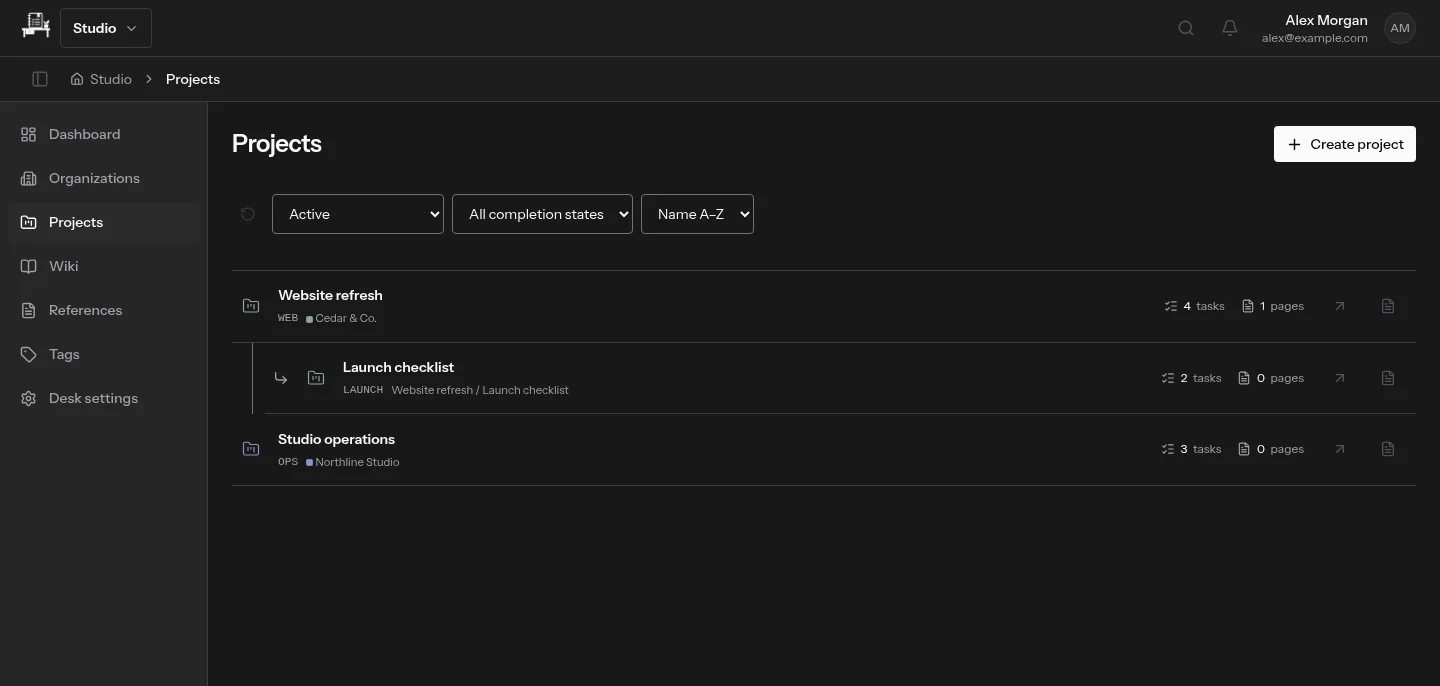
Organizations group related projects. Projects can contain subprojects, so a website refresh and its launch checklist stay connected without becoming one flat list. Colors carry down the hierarchy unless you choose an override.
Open the conversation beside the work
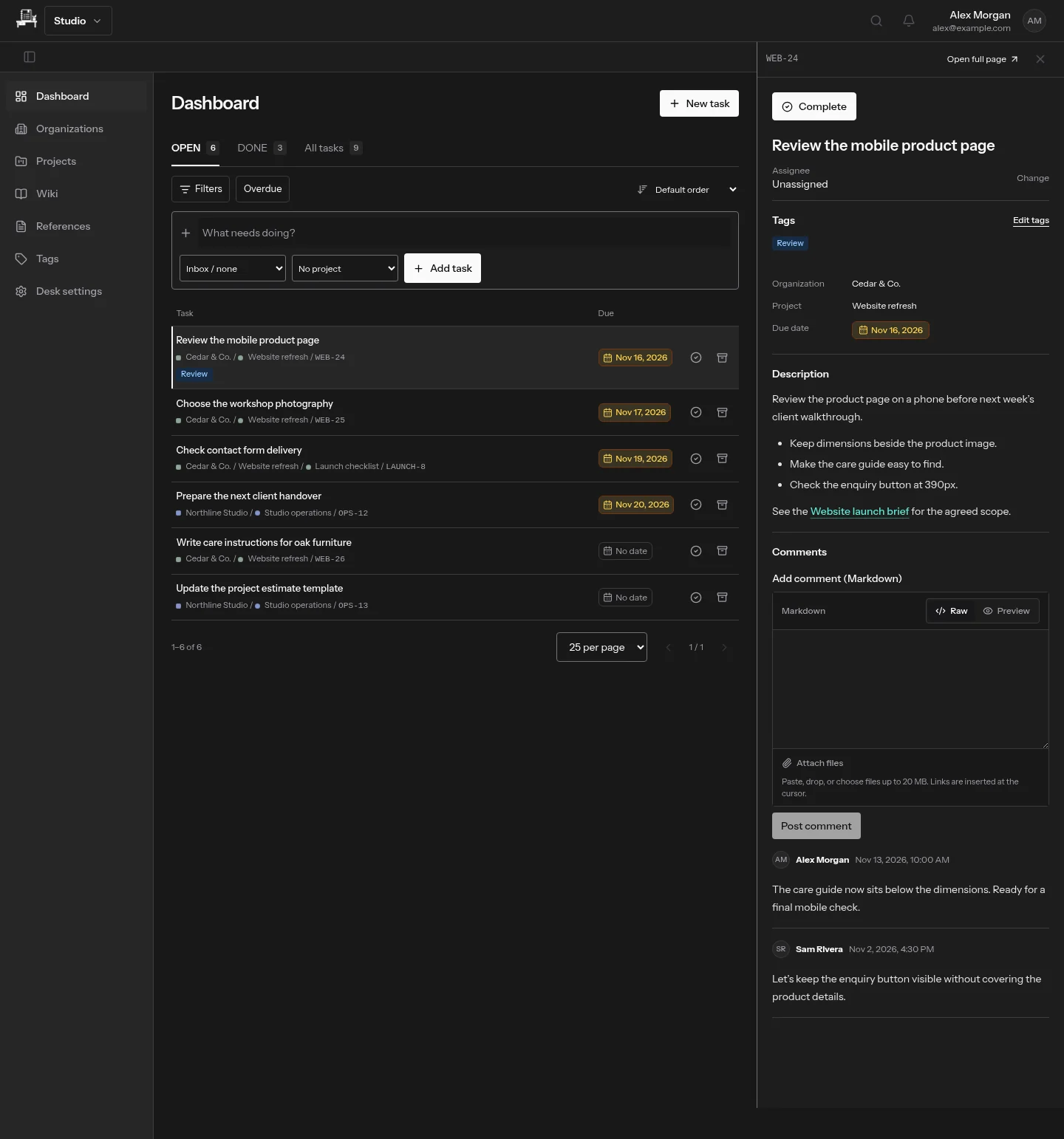
A task preview keeps the list in view while you read the description, check comments or record time. Open the full task page for a longer working session. Files, discussion and recorded minutes belong to that task, not to a separate conversation you must find again.
Use tags for another way through the list
A project tells you where work belongs. Tags tell you what kind of work it is: Bug, Discussion, Feature, or your own vocabulary. Combine tags with project, assignee, due-date and status filters instead of creating a project for every category.
Finish work without erasing its context
Mark a task done when its outcome is complete. Archive content when it should leave the active workspace but remain available. Keep a record of the decision and actual time spent. Explore tags and filters for a view across projects.