 Desklog
Features
Your projects, without the scattered context
Plan tasks, record time and keep project notes together in a workspace you host.
One task, all its context
Give a task a title and description, organize it within a project, then keep the conversation and files on the task itself. Human-readable task keys make it easy to refer to the same piece of work in a comment or message.
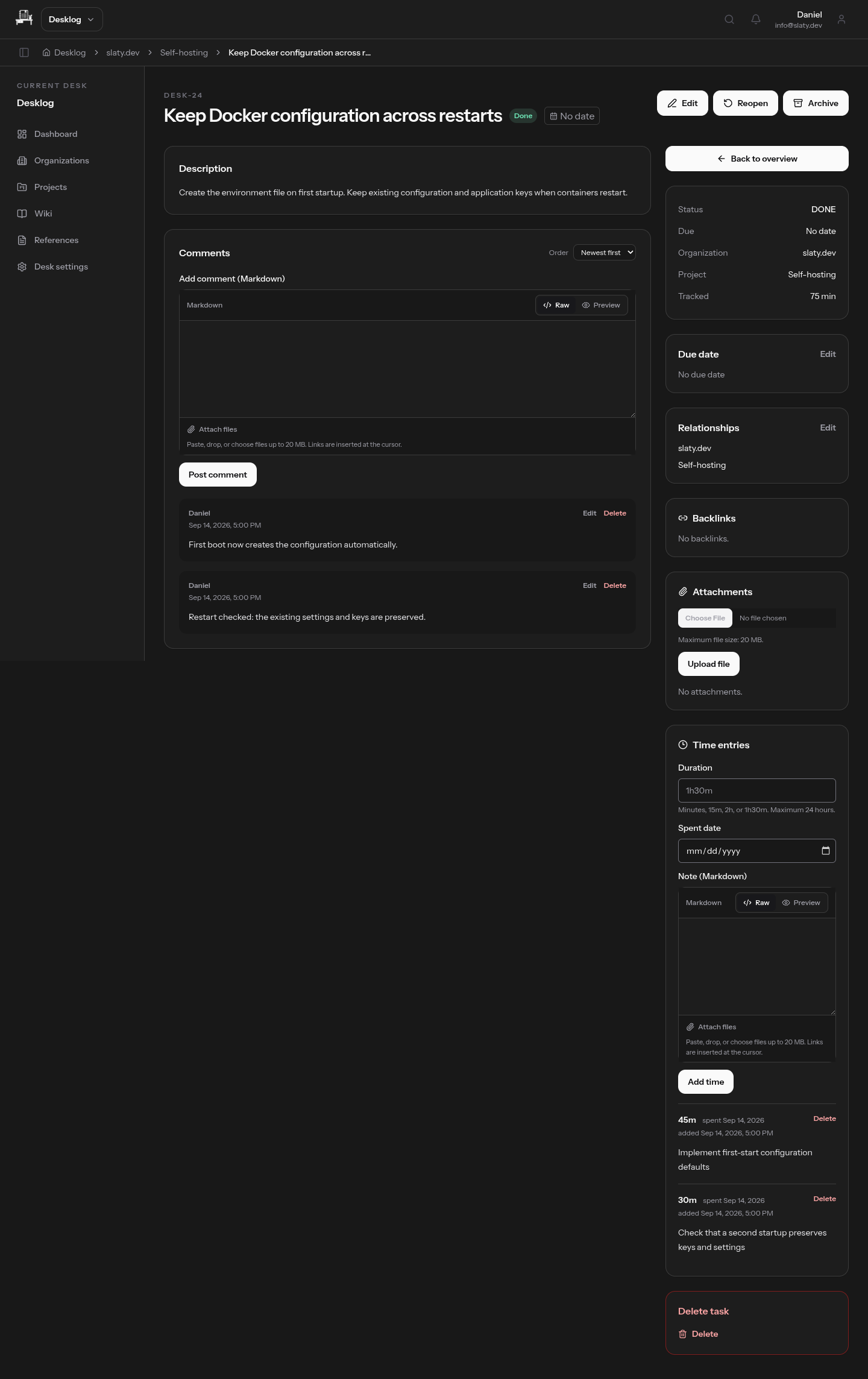
Time recorded against the work
Add time entries to tasks so the record stays with the work it describes. You can return to a task and see both what happened and the time recorded, instead of keeping a separate time-tracking document.
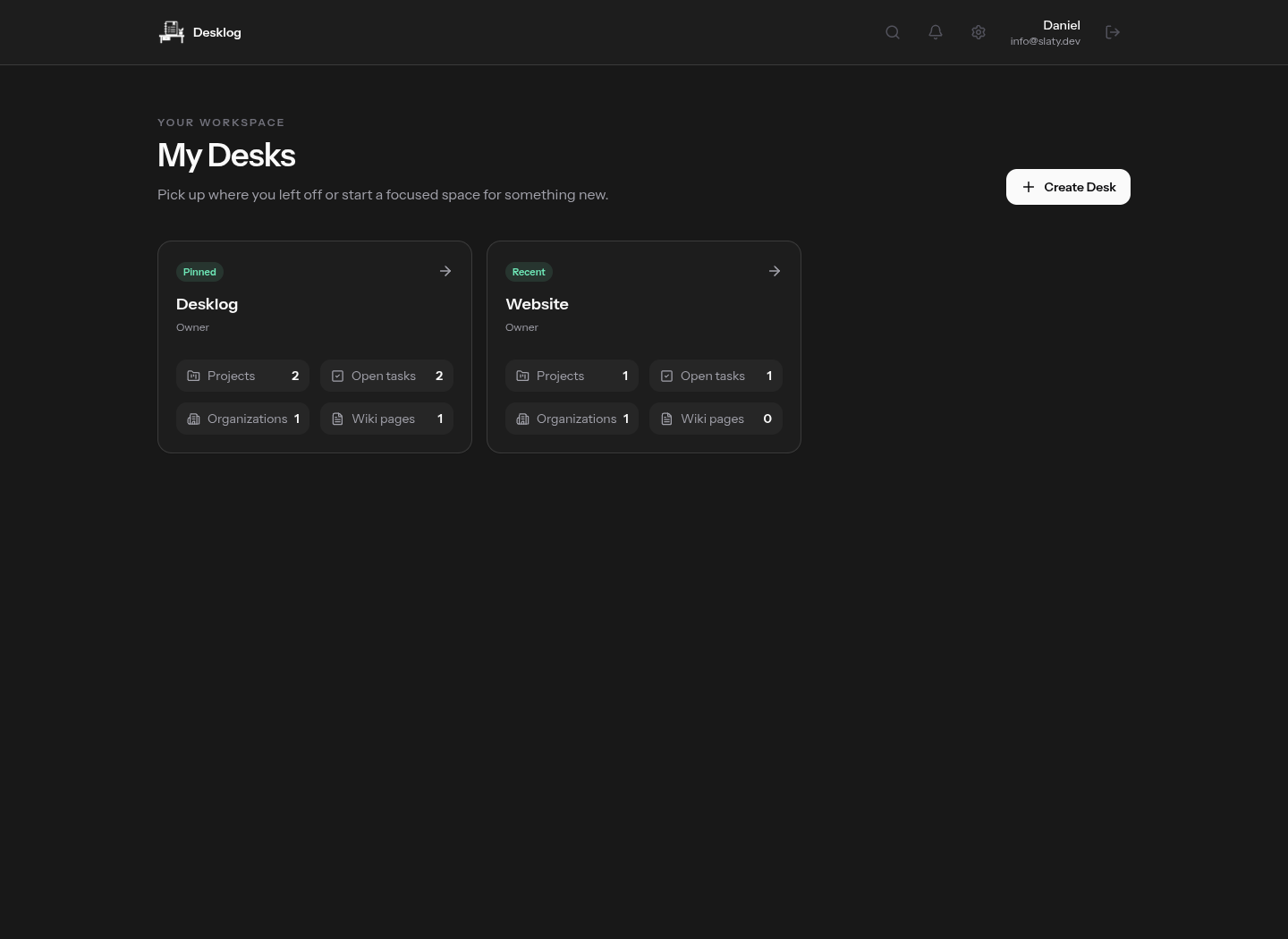
Desks for separate workspaces
Use different Desks for personal work, clients or shared projects. Each Desk has its own projects, tasks and wiki. Membership and roles determine who has access, so switching context does not mean mixing records.
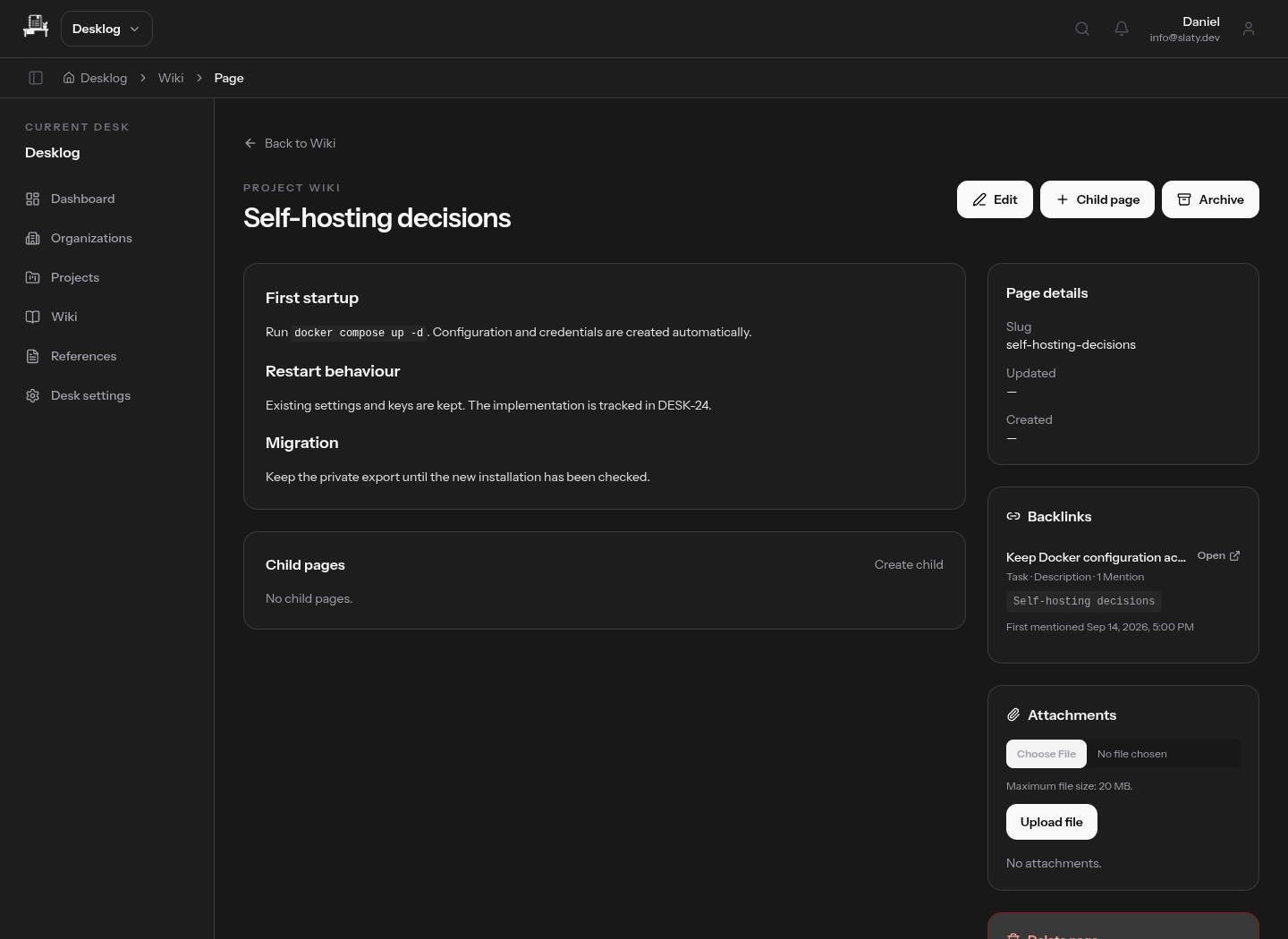
Project notes that stay useful
Write wiki pages in Markdown for setup notes, decisions and recurring procedures. Attach supporting files and connect related records with references. Search your workspace when you need to find the context again.
Organizations and projects
Group work by organization and project, then open the tasks and related records from there. Keep the client or team context alongside the day-to-day work rather than rebuilding it from folders and spreadsheets.
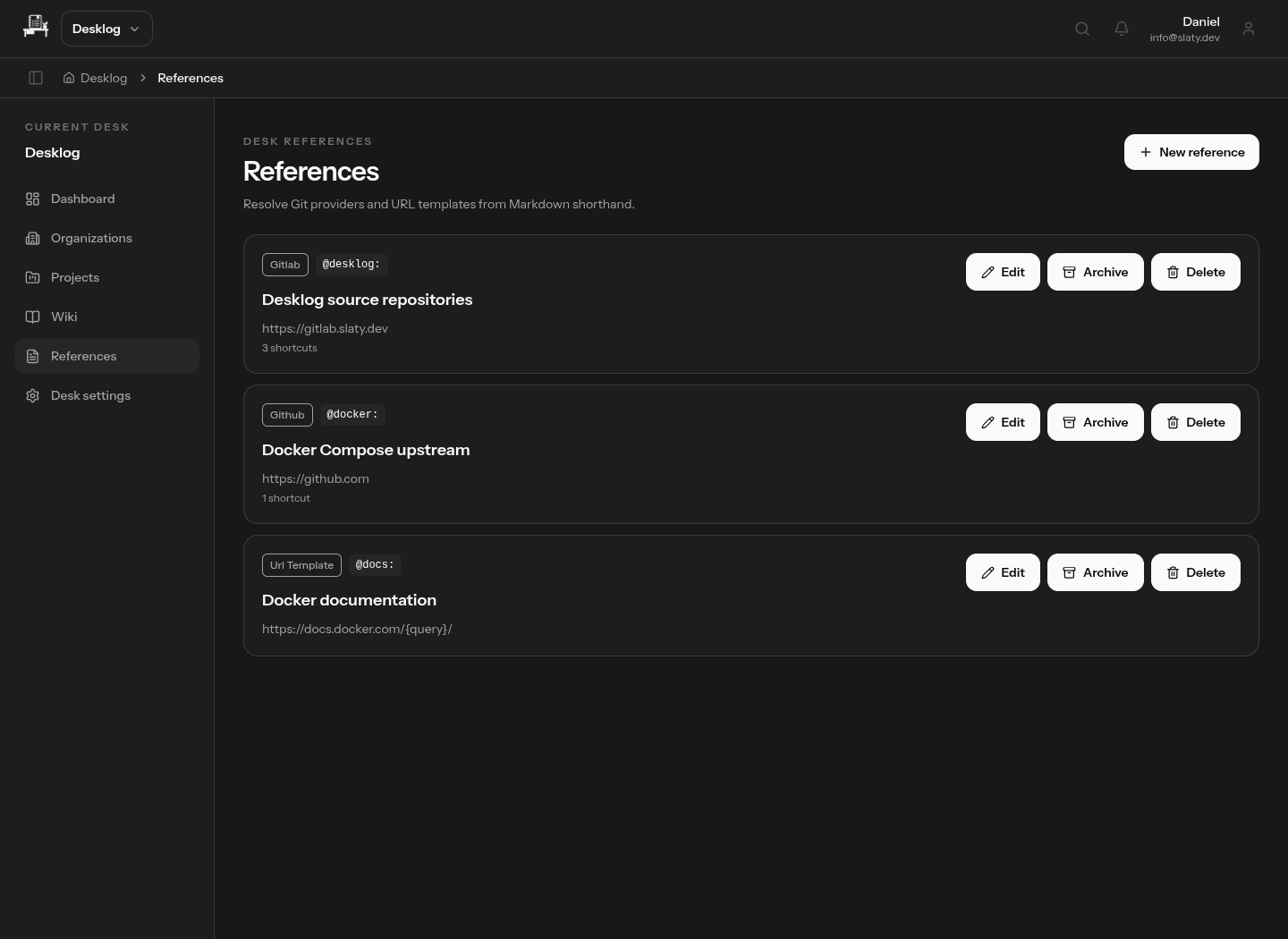
References without repeated URLs
Create GitLab, GitHub and URL-template references with your own shorthand prefixes. Use them in Markdown to link to external work without pasting the same long URLs each time. Internal backlinks show which records mention a task or wiki page.
Search across your work
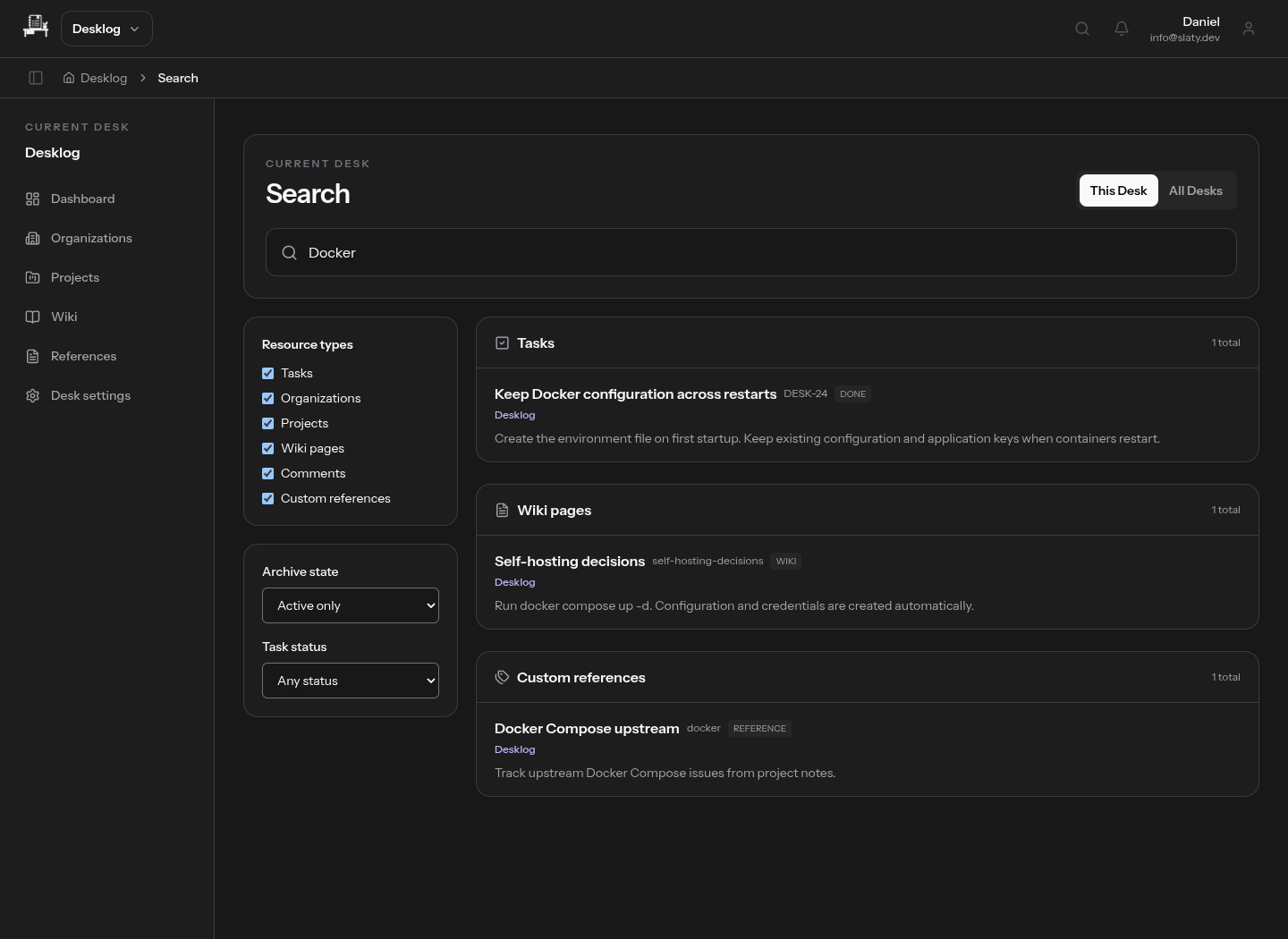
Search one Desk or across your Desks for tasks, organizations, projects, wiki pages, comments and custom references. Results are grouped by type, with filters for archive state and task status. The keyboard quick switcher opens with Ctrl+K or Cmd+K when you want to jump straight to a record.
A focused task inbox
Capture a task quickly, add a due date and filter the list by organization, project, status or due date. Complete or reopen work as plans change. Archive tasks you want to keep without leaving them in the active list.
Markdown, files and nested notes
Format descriptions and comments in Markdown with a preview before posting. Keep attachments on the relevant record. Organize wiki pages into parent and child pages so a project overview can lead to its supporting notes.
A notification inbox
Review notifications from the header, open the related task and mark entries as read. Keep track of unread items without leaving your workspace.
Your account and appearance
Choose a light, dark or system theme. Manage your profile and password, register passkeys and keep recovery codes for account access.
An API for your own integrations
Desklog exposes an OAuth-protected API for working with tasks, projects, organizations, wiki pages, attachments and references. Connect your own tools to the same data rather than maintaining another copy.
Run it where you choose
Desklog is self-hosted. Your instance, database and uploaded files run on your infrastructure. Desklog is open source and free to use.